

Create Subtitles
in Record Time!
Effortless Subtitle Generation and Editing
for Videos in 90+ Languages,
Right in Your Browsers.
Try without signup →
80+
languages supported
99%
generation accuracy
50+
styles and animations
30+
styles and presets
Video or Audio ? Why not both!
AI Video Subtitling
Got a video? Get subtitles instantly. Fast, accurate, and fully customizable. Edit, export, and share — all in one place.
AI Audio Transcription
From voice to text — the smart way. Lightning-fast transcription with AI precision. Export, edit, and share with ease.
Effortless Subtitles with AI
From upload to final export, see how our AI transforms your video into perfectly timed, multilingual subtitles.
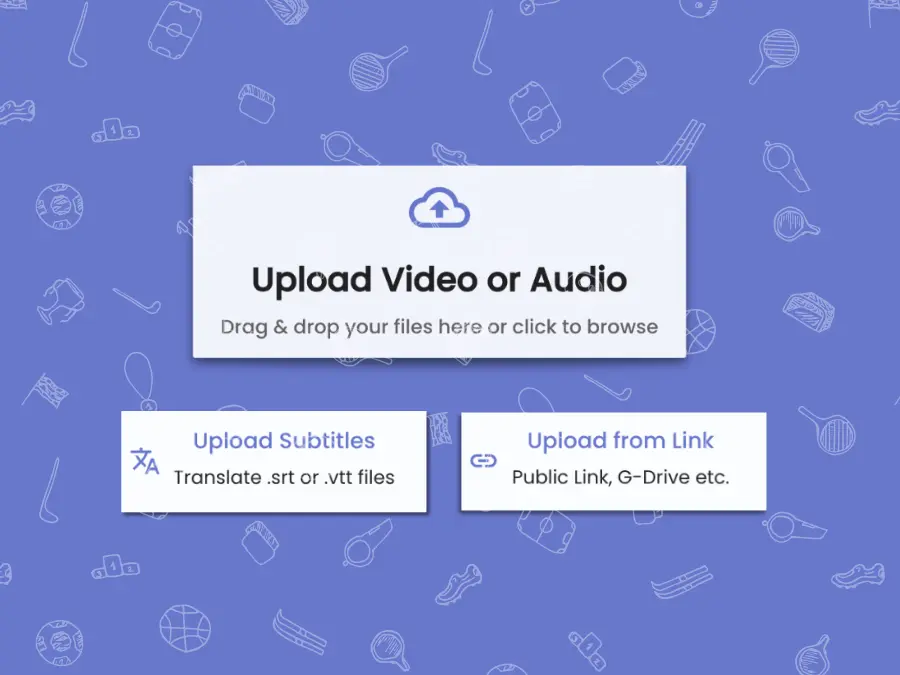
Upload Media
Upload media in your favourite format.
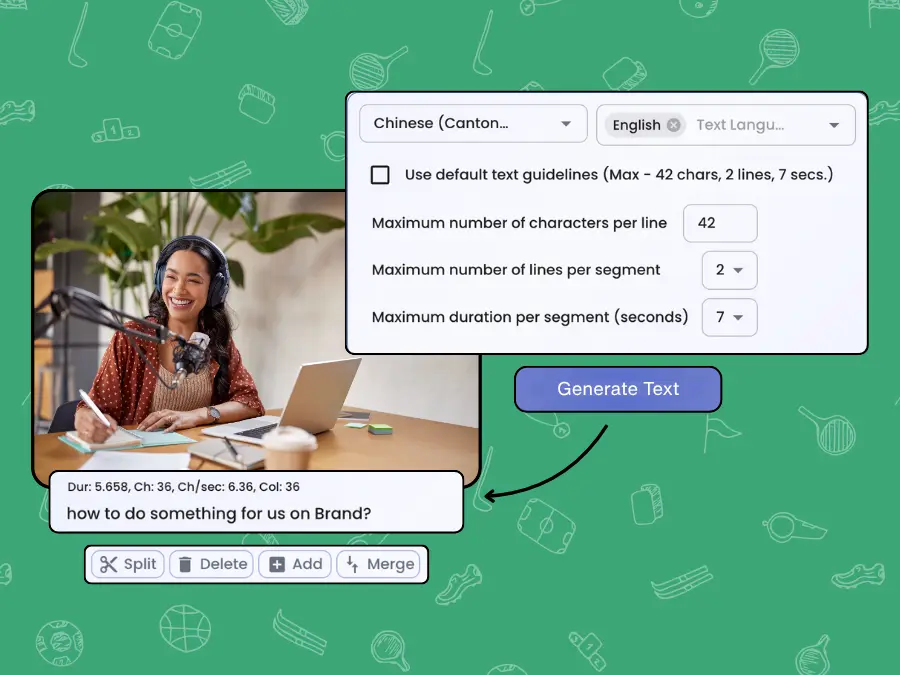
Generate Subtitles
Choose media and subtitle languages, and generate subtitles with customisable guidelines.

Edit and Style your Subtitles
Edit subtitles to make them 100% accurate. We provide powerful editing features for seamless editing. Style with wide choice of fonts, animations etc.

Download Subtitles or Video File
Export .srt or .vtt files. Export video with subtitles burned.
Key Features
Powerful features that revolutionise your Subtitling Workflow
AI-Powered Subtitle Generation
Leverage advanced AI models to generate contextually accurate subtitles.
Subtitle Styling
Customize subtitles to match your video’s aesthetic, ensuring your content is visually engaging and on-brand.
Multi-Format Export
Export your subtitles seamlessly in SRT, VTT, TXT, or JSON formats to suit your workflow needs.
Burn Subtitles to Video
Embed subtitles directly into your videos with ease, creating polished content ready for sharing.
Support for 90+ Languages
Expand your reach with support for over 90 languages, making your content accessible to a global audience.
Fast Processing
Experience lightning-fast subtitle generation times, ensuring efficiency without compromising quality.
Discover More
Ticker Links
Translate Japanese SubtitlesTranslate German SubtitlesTranslate French SubtitlesTranslate Spanish SubtitlesTranslate Hindi SubtitlesTranslate English SubtitlesEnglish SubtitlesEnglish SubtitlesEnglish SubtitlesEnglish SubtitlesEnglish SubtitlesEnglish SubtitlesHindi Audio TranscriptionSpanish Audio TranscriptionFrench Audio TranscriptionGerman Audio TranscriptionJapanese Audio TranscriptionEnglish Audio TranscriptionCan I use Banva for Free?
- Yes. Banva subtitle generation and all other features are free to use till 15 minutes of generation.
- We automatically add 15 minutes of free credits when you create your Banva account.
- After that you can buy credits to generate more.
- All other features like burning subtitles, editing, etc. are free.
- There are no hidden costs.
How are my credits deducted?
- Credits equal to the video length in minutes are deducted for each generation.
- Generating subtitles in more than one language deducts credits separately.
- If the video is less than one minute, one credit minute is deducted.
How accurate is the subtitle generations?
- Banva uses AI models fine-tuned for each language with more than 95 percent accuracy.
- Works across multiple speakers, background noise, accents, and video genres.
- Supports translation from any language to any supported output language.
How fast is subtitle generation?
- Large videos are processed in parallel for fast generation.
- One hour of video usually takes less than five minutes.
Can I export videos with subtitles burned into the video?
- Banva provides a comprehensive styling suite with fonts, animations, text effects, and backgrounds.
Do you support text-to-speech or AI video dubbing?
- Video dubbing is not yet supported, but it is planned for a future release.
Which devices do you support?
- Banva works on both desktop and mobile devices.
- It supports all major browsers.
- You can switch between desktop and mobile seamlessly.